Recent
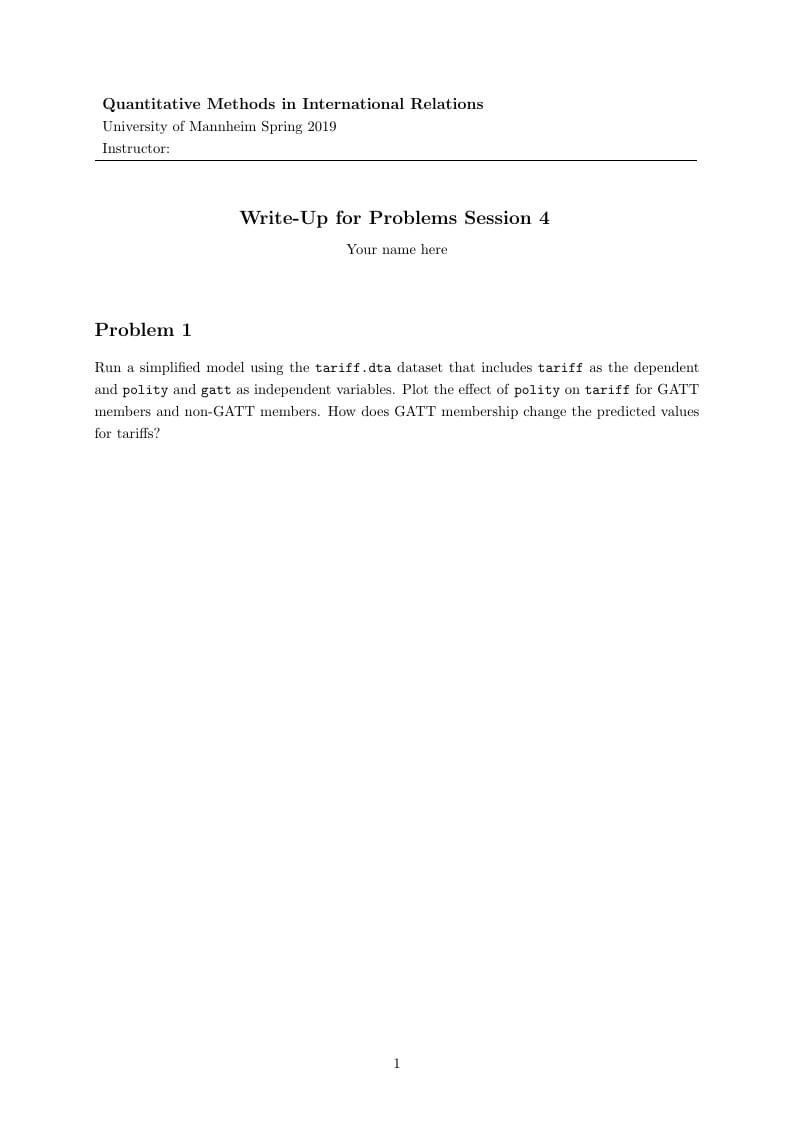
A plain template we use to teach an introduction to LaTeX for our second year undergraduate stats course.
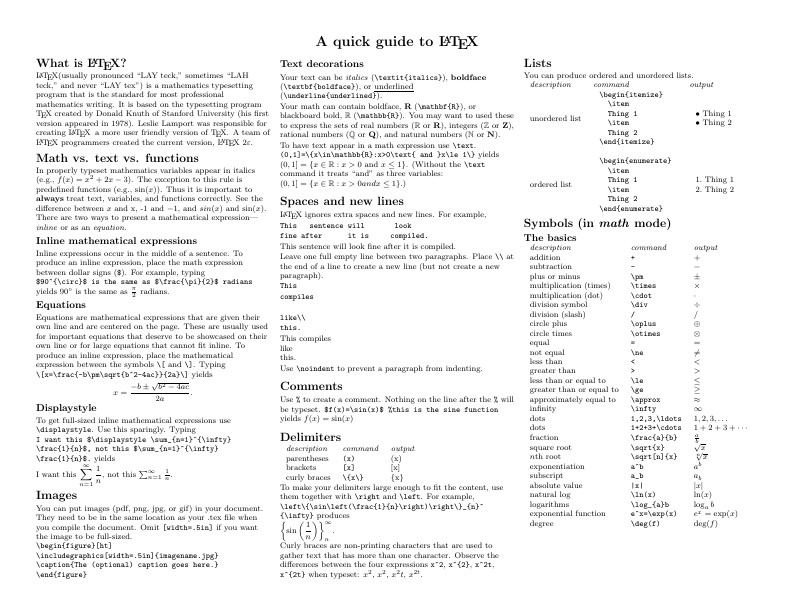
Know the LaTeX command you want to use but can't remember how to write it? Here we present a great tips sheet produced by Dave Richeson; it's pre-loaded in Overleaf so you can see how the commands work instantly. Simply click on the button above to open a version in Overleaf for editing (and to quickly copy and paste the commands you need!). For more comments visit this page on Dave's site, or if you'd like to work through a fuller introduction to LaTeX why not check out our free online course?
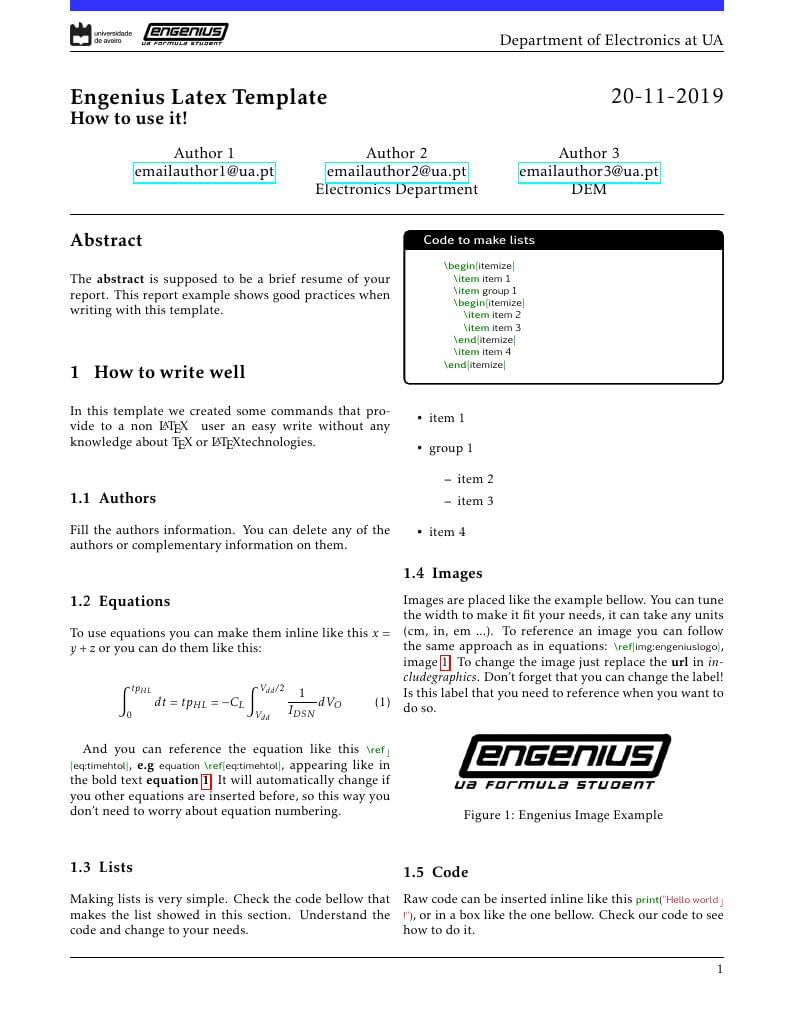
Magda is a Report \(\mathrm{\LaTeX}\) Template created thinking about non LaTeX users, providing easy writing and commands for people without any knowledge about TeX or LaTeX.
If you're looking to get started with a LaTeX presentation, this template is for you! You can customise the look and feel of your presentation by choosing your preferred combination of Theme and Color Theme. Click the image above to get started, and try changing the theme to "Madrid" to get the look shown. For more hints and tips on creating presentations with Beamer, checkout Part 3 of our free introduction to LaTeX course.

Smallest possible LaTeX document for teaching LaTeX
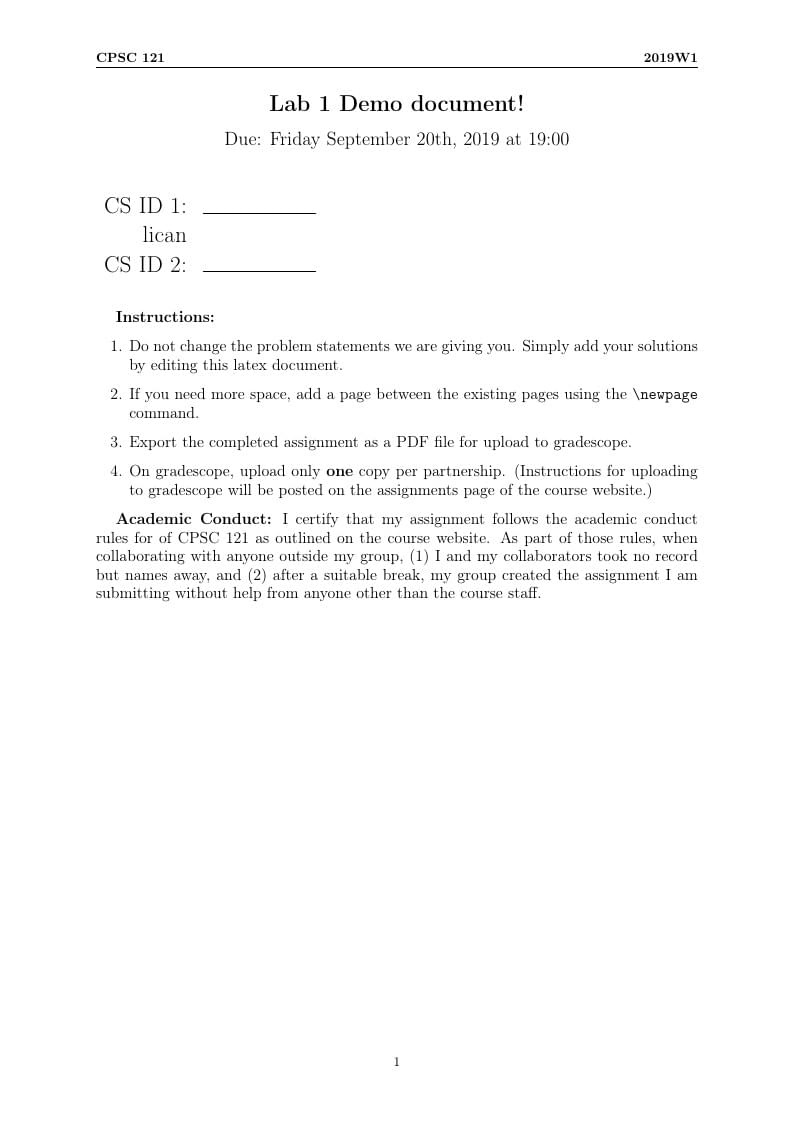
CPSC121 2019W1 Lab 1 instructions

This template gives a basic introduction to \(\mathrm{\LaTeX}\) and provides a template for the Creighton University Master's thesis, especially as pertains to the MS in physics and medical physics degrees.
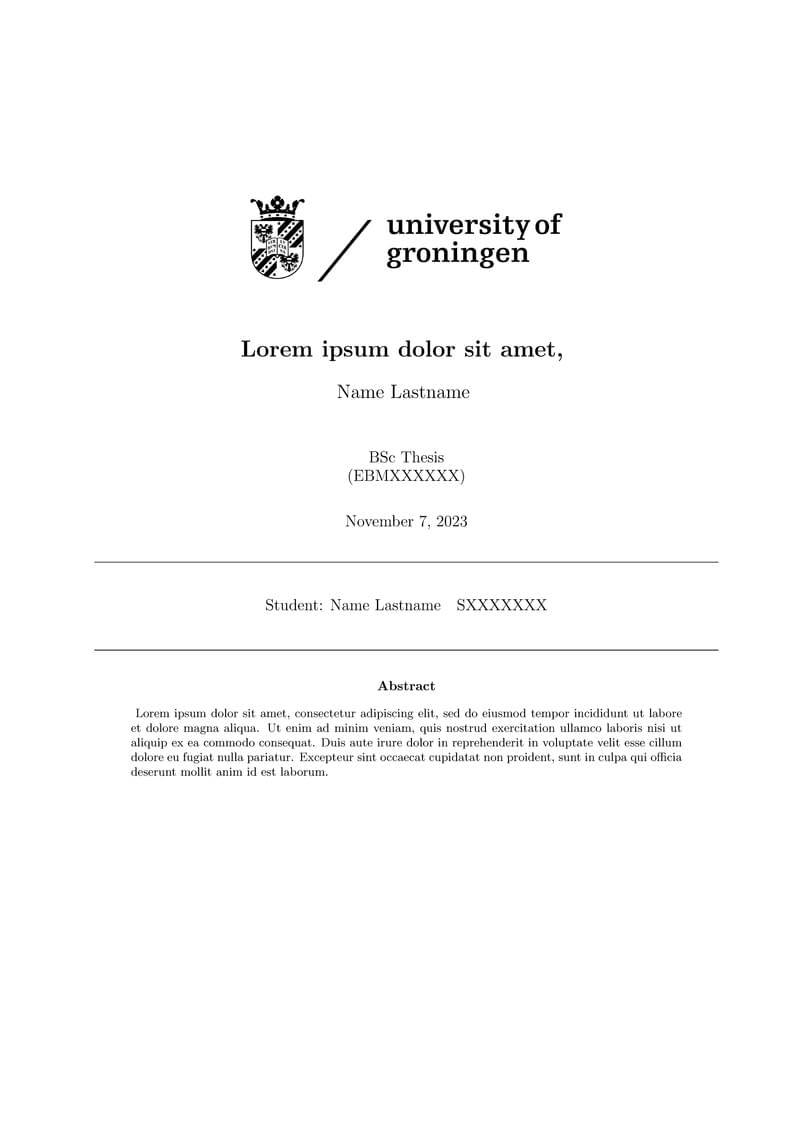
This is a template for writing papers, theses, etc., specifically for economics. A presentation file is also included to show how to use LaTex for presentations. This is a simplified document with complicated referencing. If you write complicated documents, I recommend this structure. -Descriptions- includes mathmatical specifications -files- includes your figures and tables. Under files, you can find a location to add descriptions of tables and figures. This is useful if you have multiple figures with (part of) the same base description. -Sections- includes your chapters (of the document) the rest is self-explanatory
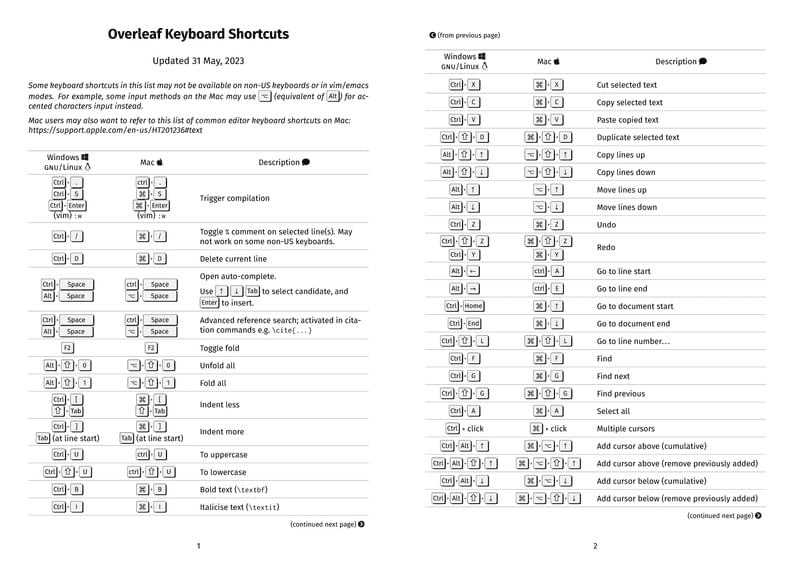
This is the current set of available keyboard shortcuts for the Overleaf editor.
\begin
Discover why over 30 million people worldwide trust Overleaf with their work.